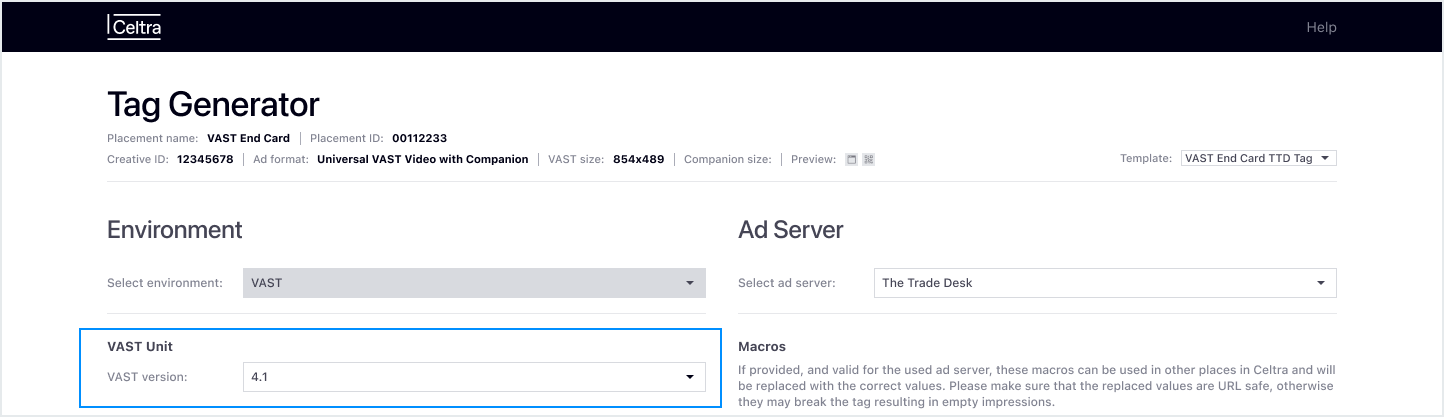
For Universal VAST videos, you can choose the preferred VAST version from the Vast Unit section dropdown menu.
Encoding Settings
Encoding Settings control how VAST video creatives are encoded, such as minimum bitrate thresholds, ensuring the generated VAST tag delivers video assets that comply with the technical specifications of the selected placement.
To apply encoding settings in the Tag Generator:
1) Select a Tag Template from the dropdown menu.
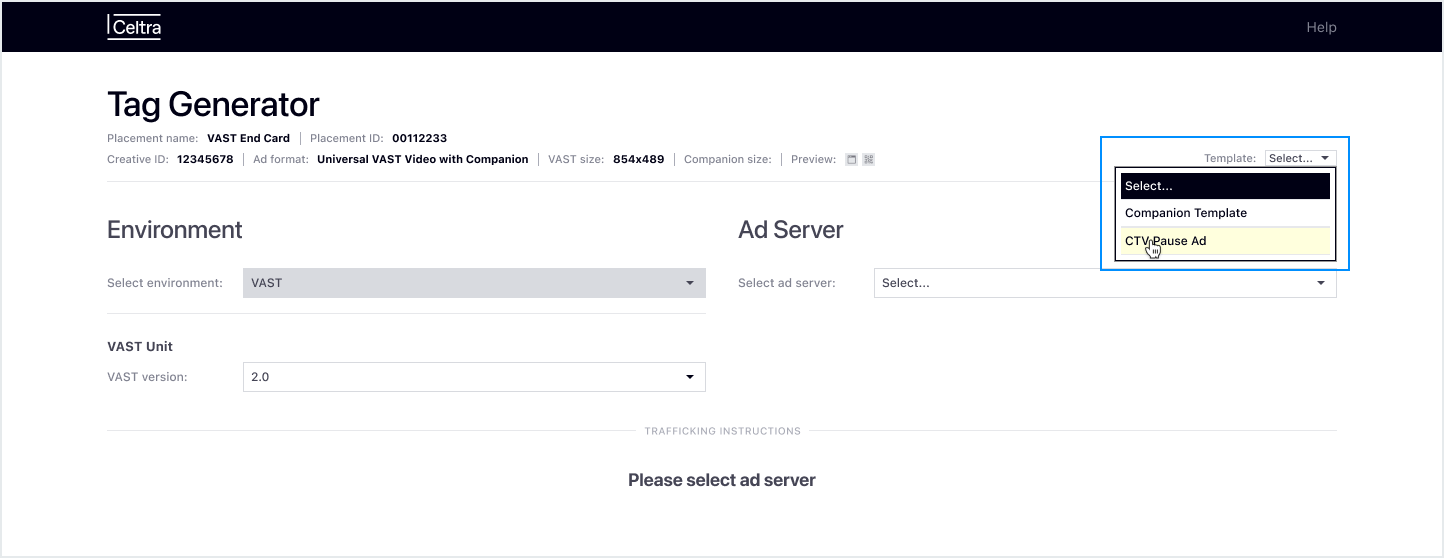 The encoding settings saved in the selected Tag Template are automatically applied to the generated VAST tag.
2) Then, under the Encoding Settings section, you can choose between:
Default encoding settings: Uses Celtra’s standard video encoding specifications.
Custom encoding settings: Uses a custom preset list defined in the selected Tag Template, in addition to Celtra’s default options.
Availability of Encoding Options
If custom encoding settings are not available after selecting a Tag Template, it means that no custom presets were configured for that Tag template.
Encoding settings can only be created and edited in the Tag Template settings, not in the Tag Generator.
To learn how to set up custom encoding presets, check out the Custom Encoding Settings for VAST Video support article.